
Introduction
When setting up our freshly founded company, we aimed to develop a clear-cut but small-scope project that would utilize most of our tech stack and at the same time stress test processes between the two of us.
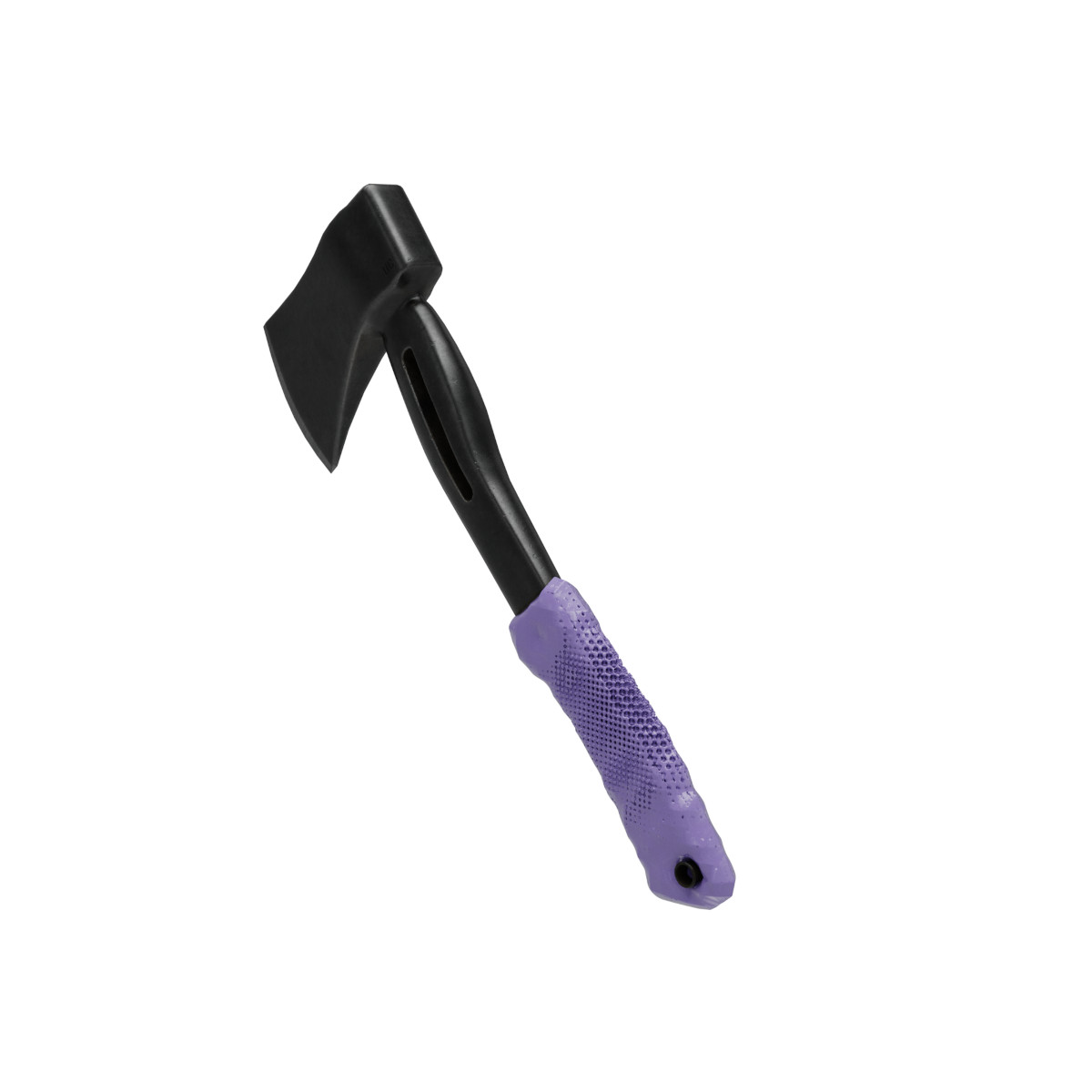
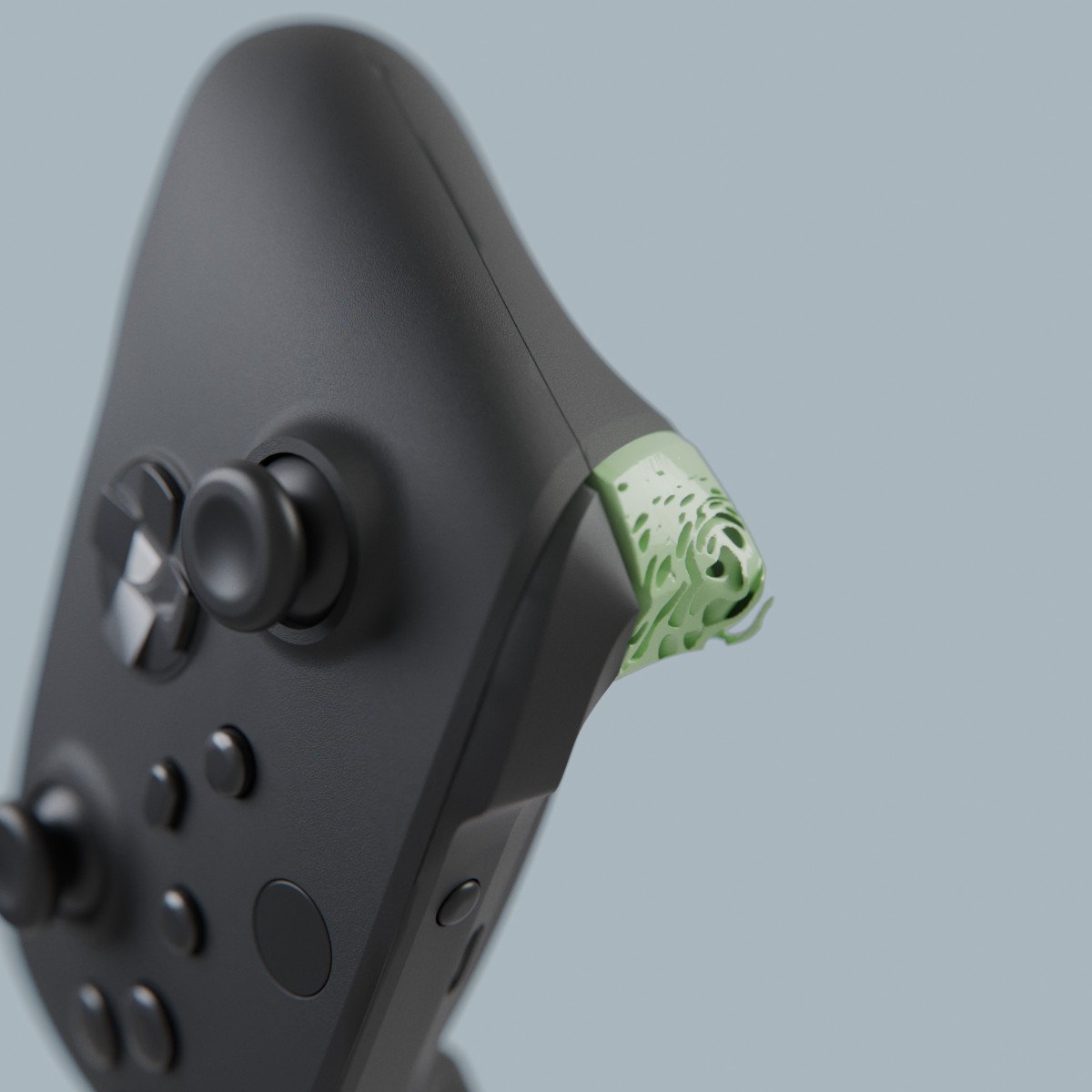
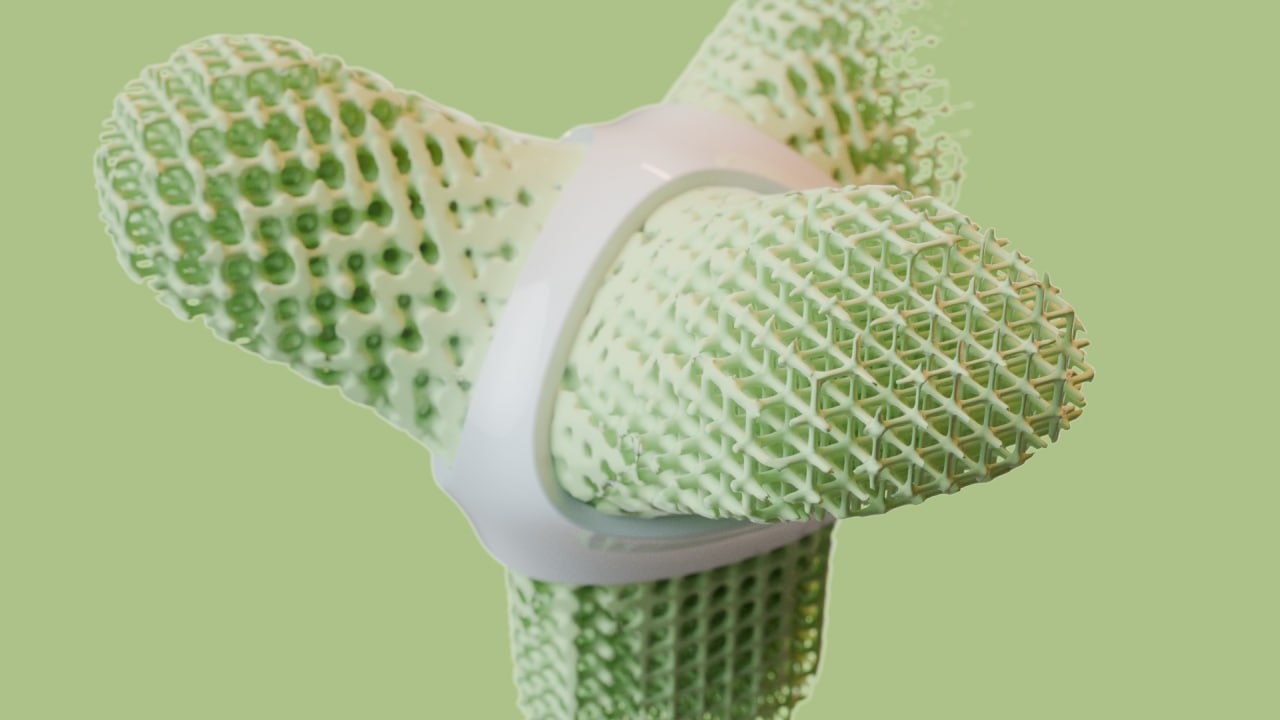
Weaver is exactly this project. It aims to take a niche problem and solve it really quickly with a clear outcome. In this case, it's lattice structures in arbitrary volumes/models. It's one of those steps that are either very inflexible in contemporary CAD software or require a lot of specific domain knowledge to solve. Weaver can take your mesh and decompose it into a lattice structure, which you have full real-time control over.
sha256-signatures
weaver.exe.zip
exe: f089c5fcb9568e55a392ea8b40dfbb631faf98685597ba550a476ead2f60d21c
zip: 700049e8d0cbc6036748cb94f07b858f49be47f3d2c2c05163a199b42fc618f3
weaver.AppImage.zip
AppImage: 510e687d9ee5e5e76a3afc77c605627c43f5fb2c5661aefb215eeec41a99fed4
zip: fec058ed3d5aac0f2266959d07e1404f52733a77fdbc88888ffd92fa822b8293
Workflow
Weaver is supposed to carry you through the workflow in a matter of only a couple of minutes. As such, we have three essential steps.
A import of your volume or model from a vertex mesh. This is done through a custom build converter that translates these surfaces into a signed distance field volume. As such, we can make use of them with the full feature set of our VOLA compiler.
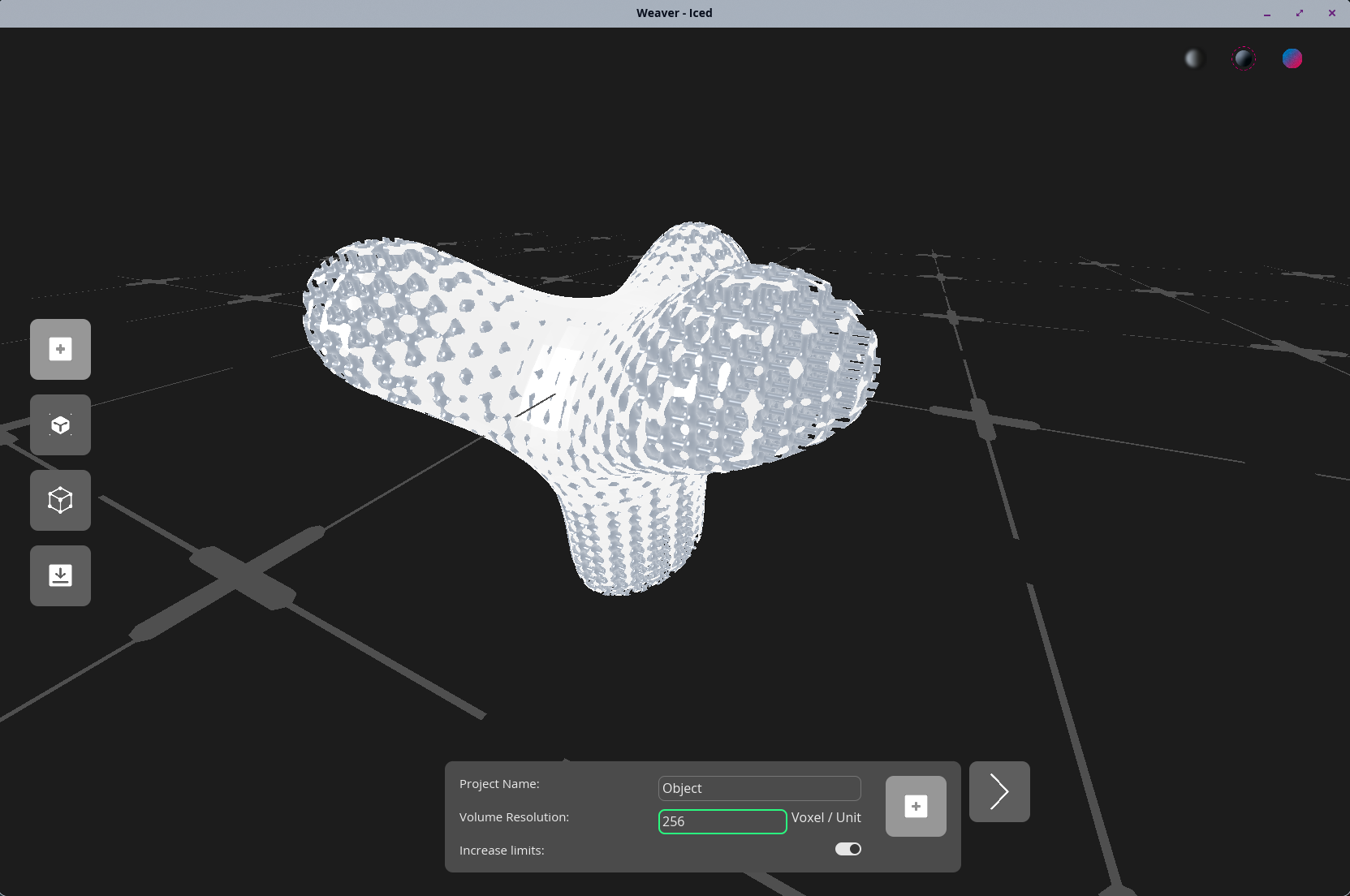
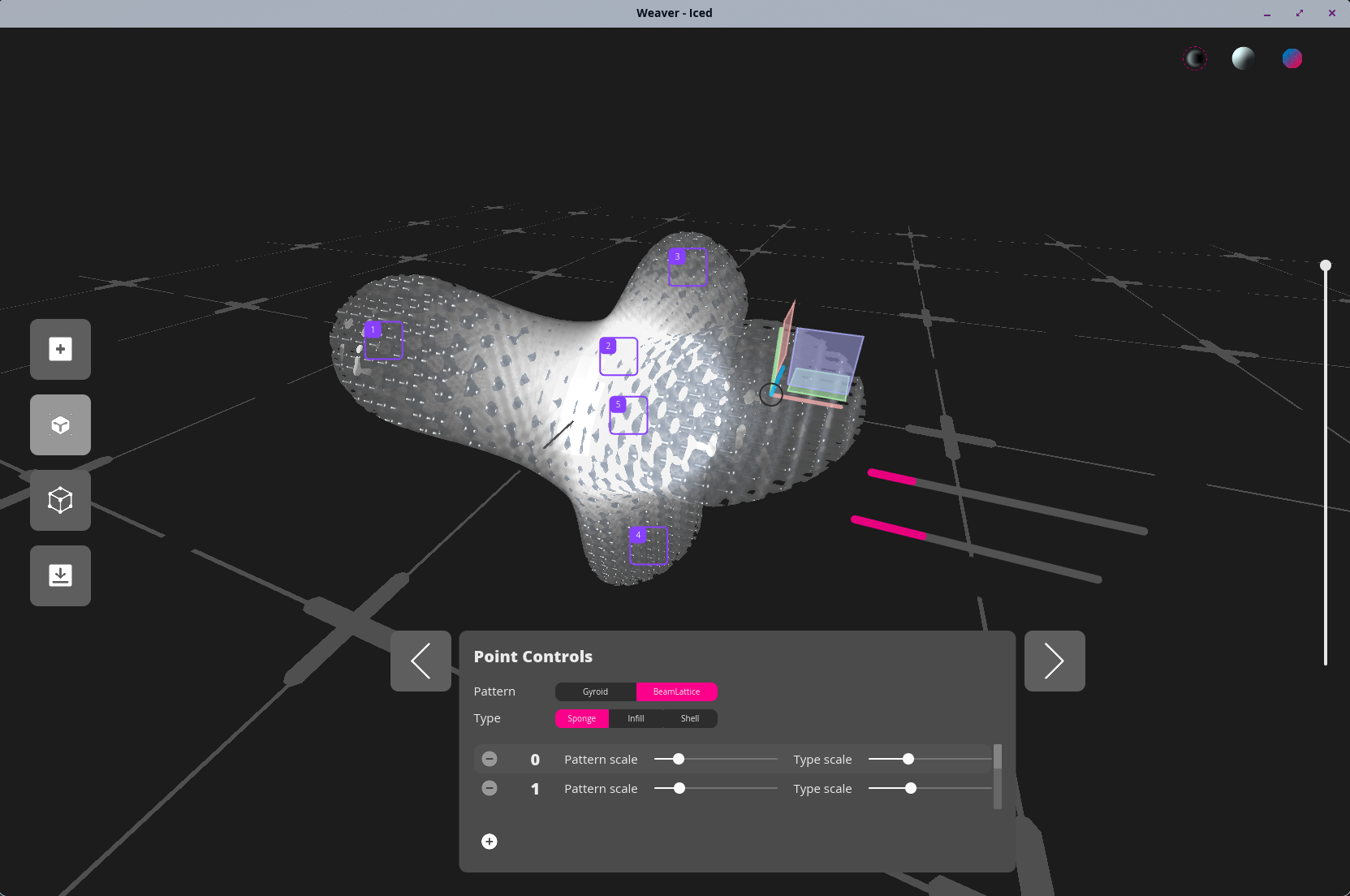
The second step is the exploration in which one can view the model and set points that influence the lattice structure. Currently we have a set of lattices that you can choose from. They can also be used as structural properties for a model. The "shell" dubbed function lets you keep the overall silhouette of your model while simultaneously altering the structure and thus its properties.
The last step lets you export the model. Because we converted the shape to an internal distance-function based format in the import, we now have to go back to something other software can read too. As such, we mesh the model back into a vertex mesh. Keep in mind that the higher the resolution, the finer the details come out. But it might take a bit longer depending on your hardware.
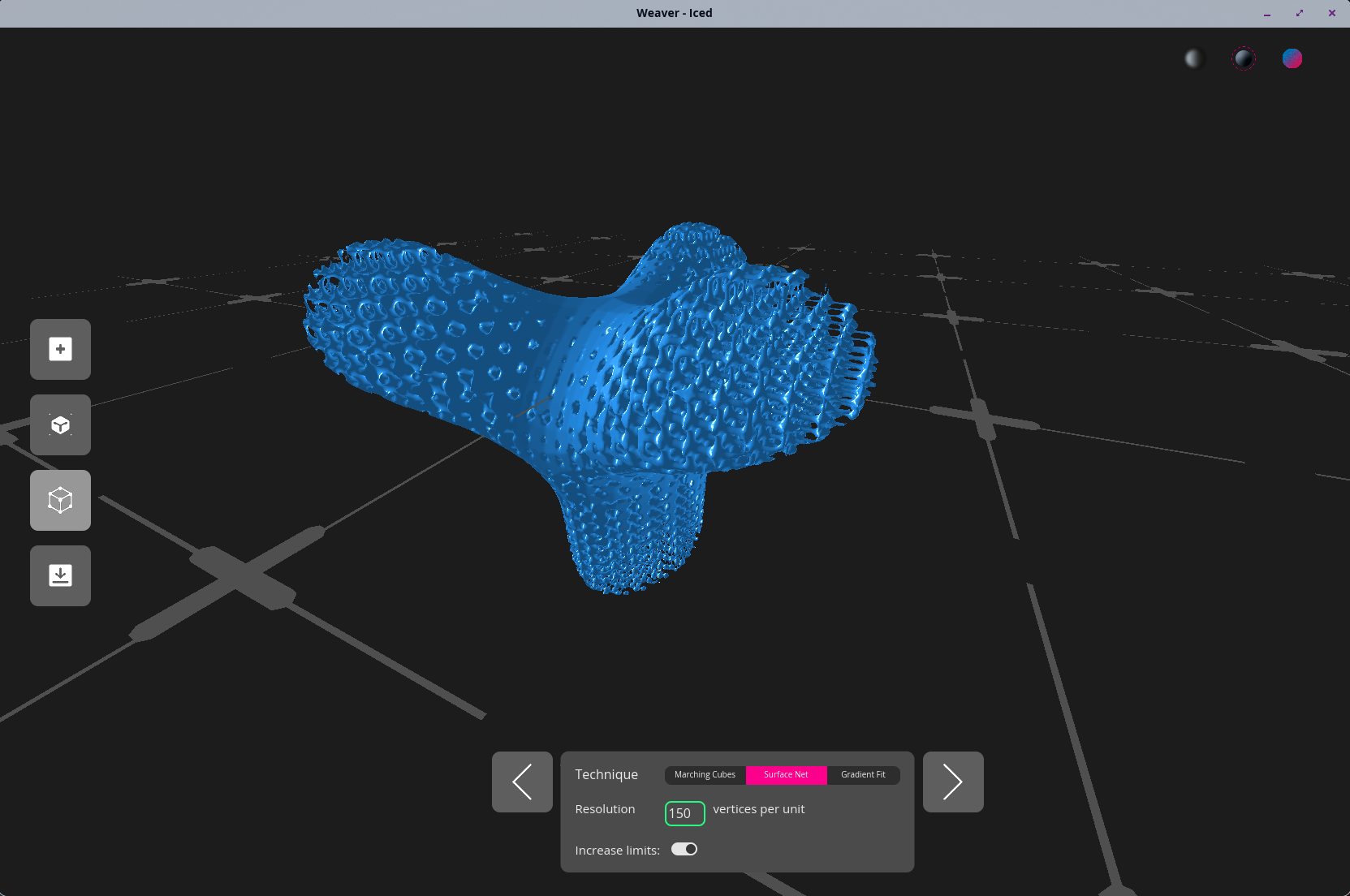
Weaver currently supports .stl, .glb, and .obj as formats.
Technical features
Weaver features our own VOLA compiler, which lets us produce SDF-based modelling very rapidly and flexibly. Meaning that we get a lot of performance for highly detailed objects that would usually be taxing on the hardware to render. We can also render volumes and even modify volumes. As such, the weaver features three distinct rendering techniques to assess the model in its exploration step: volumetric cloud rendering, classic surface rendering, as well as a weight visualization of the authored influence points. In addition, we also opted to include a dissection view inspired by contemporary 3D-printing software.
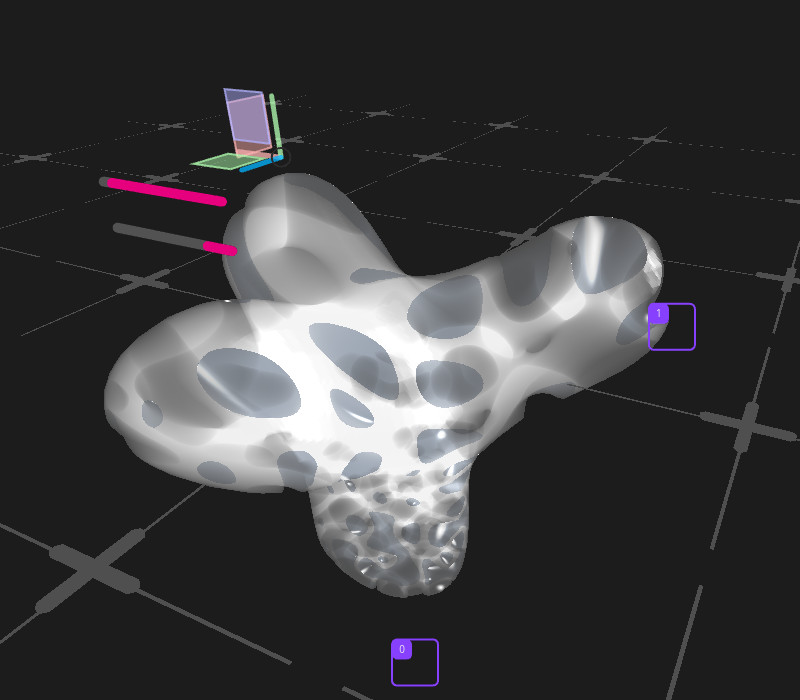
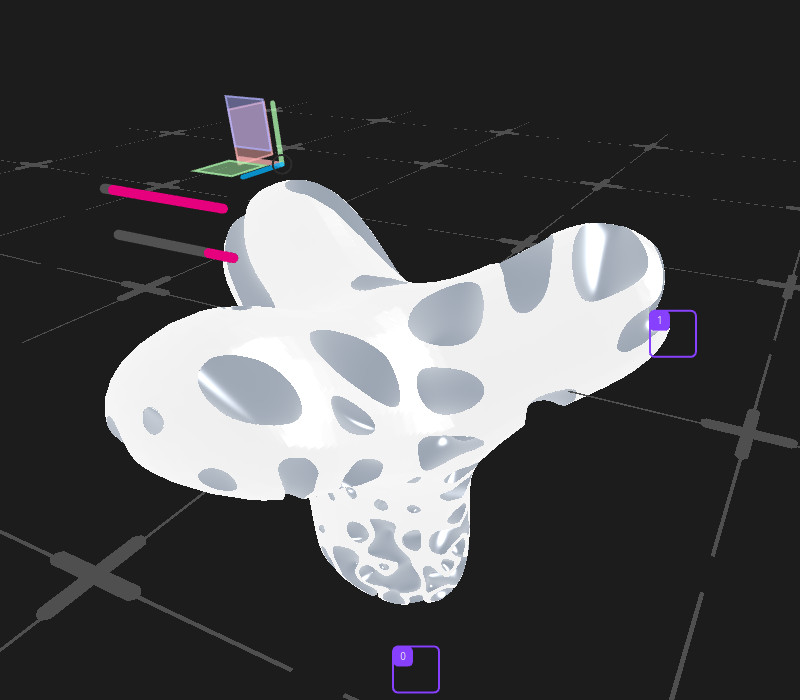
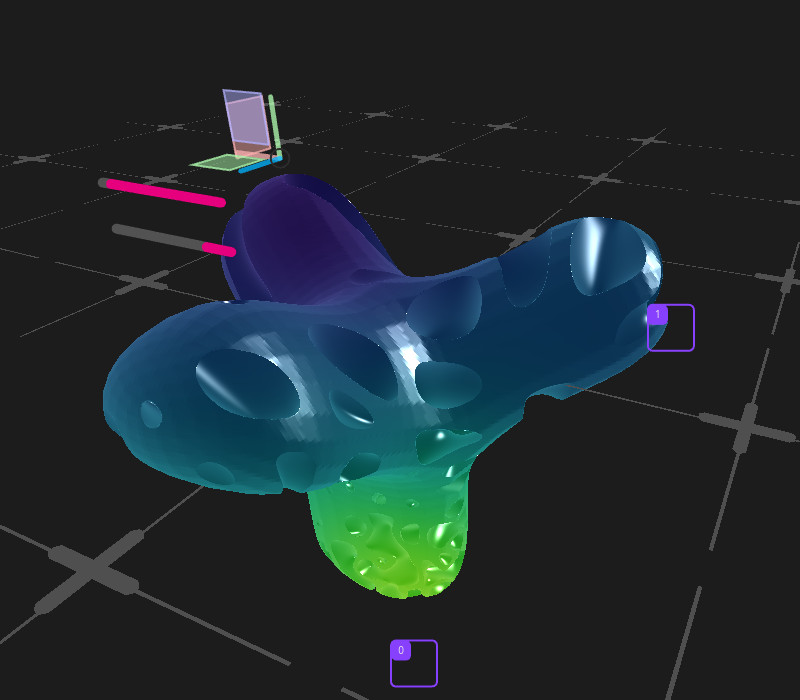
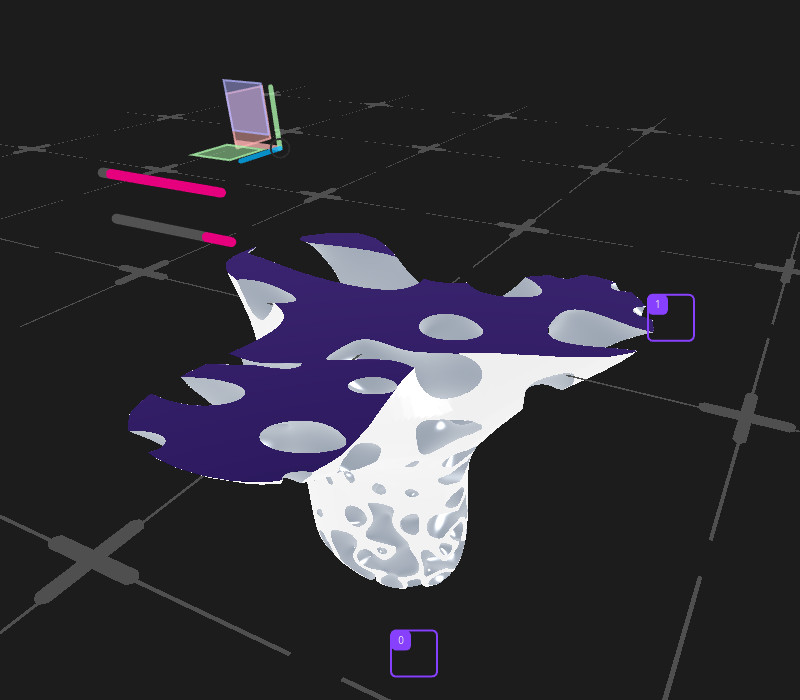
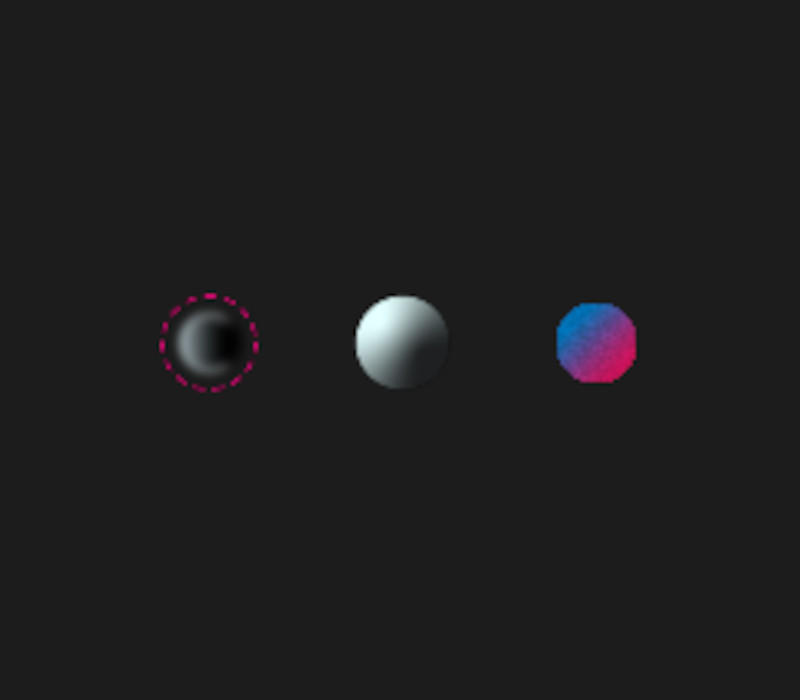
Select one of the three buttons to change the rendering mode. Left to right: Volume, opaque, and influence field rendering. The slider on the right lets you cut through the volume.
However, it also has shortcomings that we would like to address:
In a CAD context, importing and exporting BRep based models would make sense. In practice that conversion is hard to do directly. The common fallback is to take one of our generated vertex models and let some established tool convert that to a BRep.
Another problem is the high fidelity of input and output data. Users might want to import high fidelity meshes, and we need millions of triangles to approximate the patterns that are possible to generate through our tool.
Right now we offset that by doing parts of the processes on the GPU, using established algorithms like marching cubes.
In the long run we will have to implement contemporary research-grade algorithms to make better use of the resources available to the user.
The tool itself only uses a fraction of Vola's feature set right now. In fact, once a mesh is translated into a distance field, the actual DSL code is only ~25 lines to define the final object and all interactive parameters.
In time we'll make the DSL accessible through a more comprehensive modelling tool; stay tuned!